The leaving card, reimagined
No more chasing signatures around the office. Guests type or draw their farewell wishes, and every one is saved.
YOUR RETIREMENT. YOUR SHARED STORY.
Collect farewell messages, favourite stories and photos from colleagues, friends and family in one online guest book.
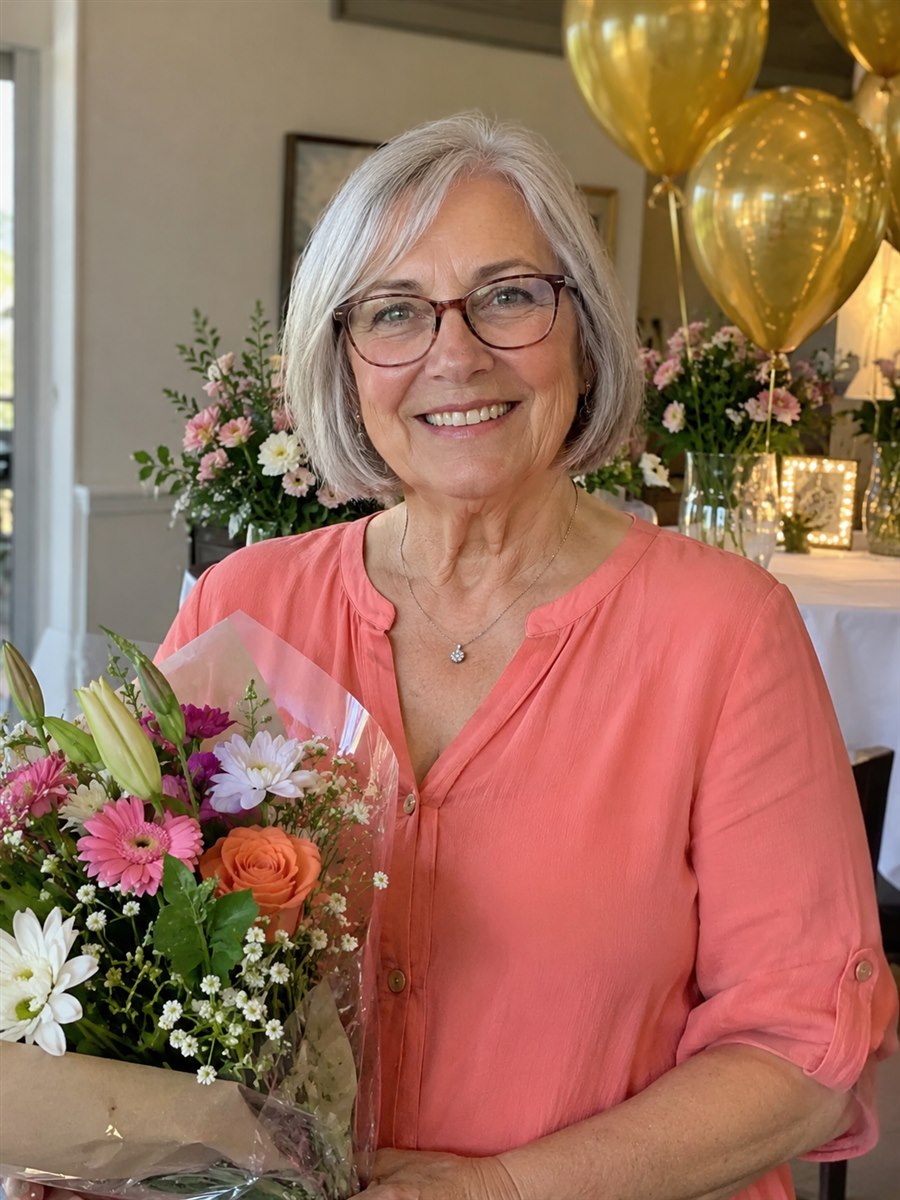
A retirement party brings together people from every stage of a career. MomentBoard lets everyone add a photo and a few words, then turns those snaps into postcards from the adventures ahead, from the open road to a seaside escape.


Friends and family who can’t attend don’t have to miss out. Wherever they are, they can still share the experience and add their own moments to your event.
Simply share your event QR code or link with them. During your event, they can view the shared photos and messages, use the photo booth and leave a guestbook message from their own phone.
Joining in is free, whether they’re at the venue or miles away. No app to install: they just open your link or scan your QR code.
Find your event link and QR code →It’s simple enough for every guest, whatever their age or confidence with technology. If they can take a photo on their phone, they can use the booth.
Put your QR code on the tables, by the card table or at the entrance. The booth opens straight in the browser, with no app or account.
Guests take a selfie with the retiree, or upload a favourite photo, even one from years gone by.
Travel Postcard, Seaside Escape, Garden Days and more turn the photo into a glimpse of retired life.
Each photo appears on the live display straight away, and the creative version follows moments later.
Each event comes with photo styles designed for the occasion, such as:
Examples are illustrative. Every creative edit is made from the photo your guest takes.
Try asking “What did you learn from working with me?” or find more retirement guest book ideas for colleagues, family and friends.
No more chasing signatures around the office. Guests type or draw their farewell wishes, and every one is saved.
Put the live display on a TV or projector so the whole room can enjoy photos and messages as they arrive.
Download every photo and message after the event, or ask us about printed photos or an engraved USB drive.
Your event photos and messages stay saved for a period of time after the event. (see our privacy policy to learn more about how your data is used). We will send you a link when your event is complete to download your images.
Get started with MomentBoard ↗