Messages for the host
Guests can type a thank you or an in-joke, or draw something wonderfully wonky. Every message is saved with your photos.
YOUR PARTY. YOUR SHARED STORY.
Bring friends together for a celebration full of playful photos, personal messages and shared memories.
Share the code and let the party do the rest. Guests grab a selfie with whoever’s nearby, choose a style like Disco Fever or Pop Art, and watch their photo light up the screen moments later.
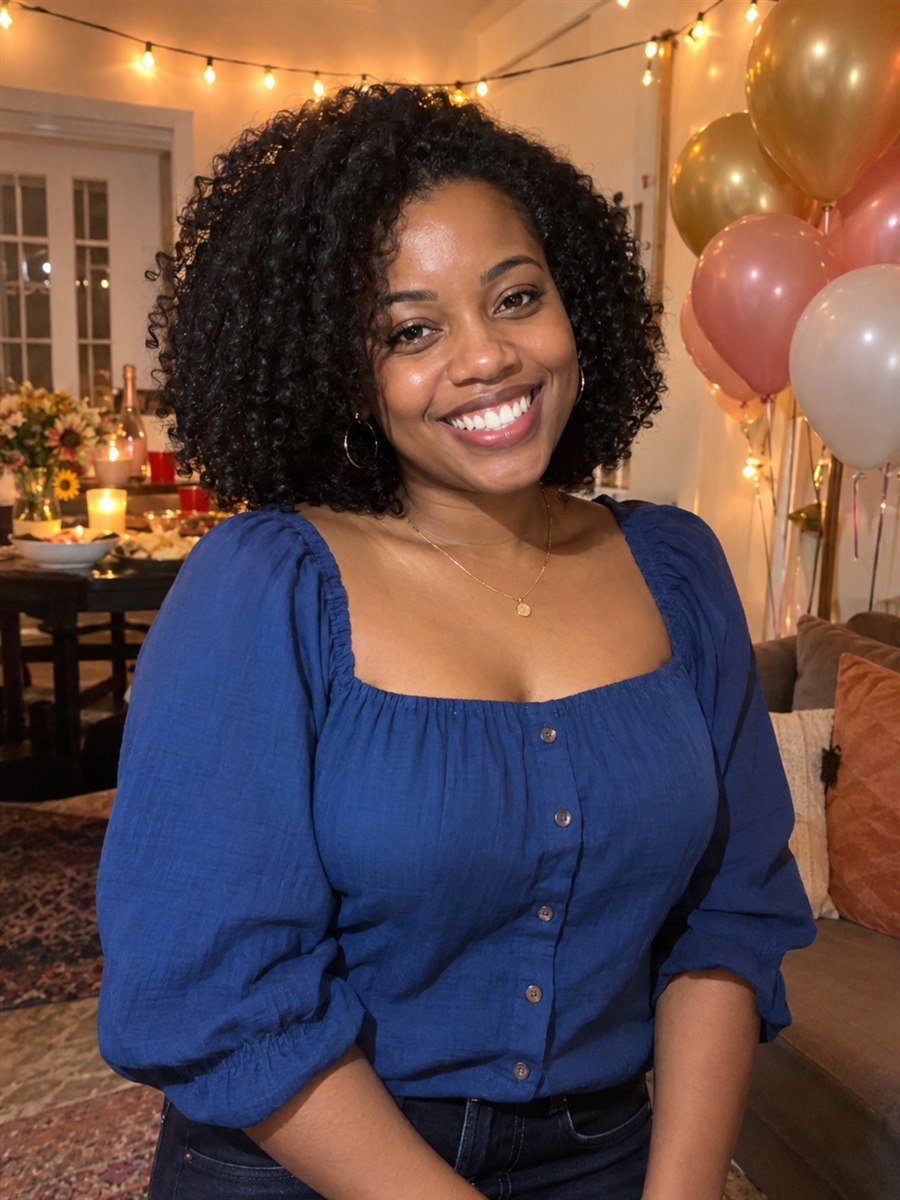


Friends and family who can’t attend don’t have to miss out. Wherever they are, they can still share the experience and add their own moments to your event.
Simply share your event QR code or link with them. During your event, they can view the shared photos and messages, use the photo booth and leave a guestbook message from their own phone.
Joining in is free, whether they’re at the venue or miles away. No app to install: they just open your link or scan your QR code.
Find your event link and QR code →House party, garden do or a hired hall, there’s nothing to set up beyond a screen and your code. Guests do the rest from their own phones.
Put your QR code on the invitation, the fridge door or a sign by the drinks. Guests scan it and the booth opens in their browser.
Guests snap a selfie with friends or upload a photo from earlier in the night.
Disco Fever, Neon Nights, Pop Art and more. One tap sends it on its way.
The original appears straight away, and the styled version joins the live display moments later.
Each event comes with photo styles designed for the occasion, such as:
Examples are illustrative. Every creative edit is made from the photo your guest takes.
Guests can type a thank you or an in-joke, or draw something wonderfully wonky. Every message is saved with your photos.
Run the live display on a TV or projector, showing the shared board or a full-screen view of each new photo as it arrives.
No chasing friends for their photos. After the party, we’ll email you a link to download every photo, creative edit and message.
Party going all weekend? Choose the hours to suit, and your code stays live for your full scheduled period.
Your event photos and messages stay saved for a period of time after the event. (see our privacy policy to learn more about how your data is used). We will send you a link when your event is complete to download your images.
Get started with MomentBoard ↗