A guestbook for ghoulish greetings
Guests type a message or draw one with a finger, from bats and pumpkins to the best costume of the night.
YOUR HALLOWEEN PARTY. YOUR SHARED STORY.
Guests scan your QR code to share costume photos, try Halloween styles and leave a message in the online guest book.
You put the effort into your costumes, so give them their moment. MomentBoard turns guests’ phones into a Halloween photo booth, where one snap becomes a friendly vampire portrait, a glowing pumpkin patch or a haunted-mansion scene.
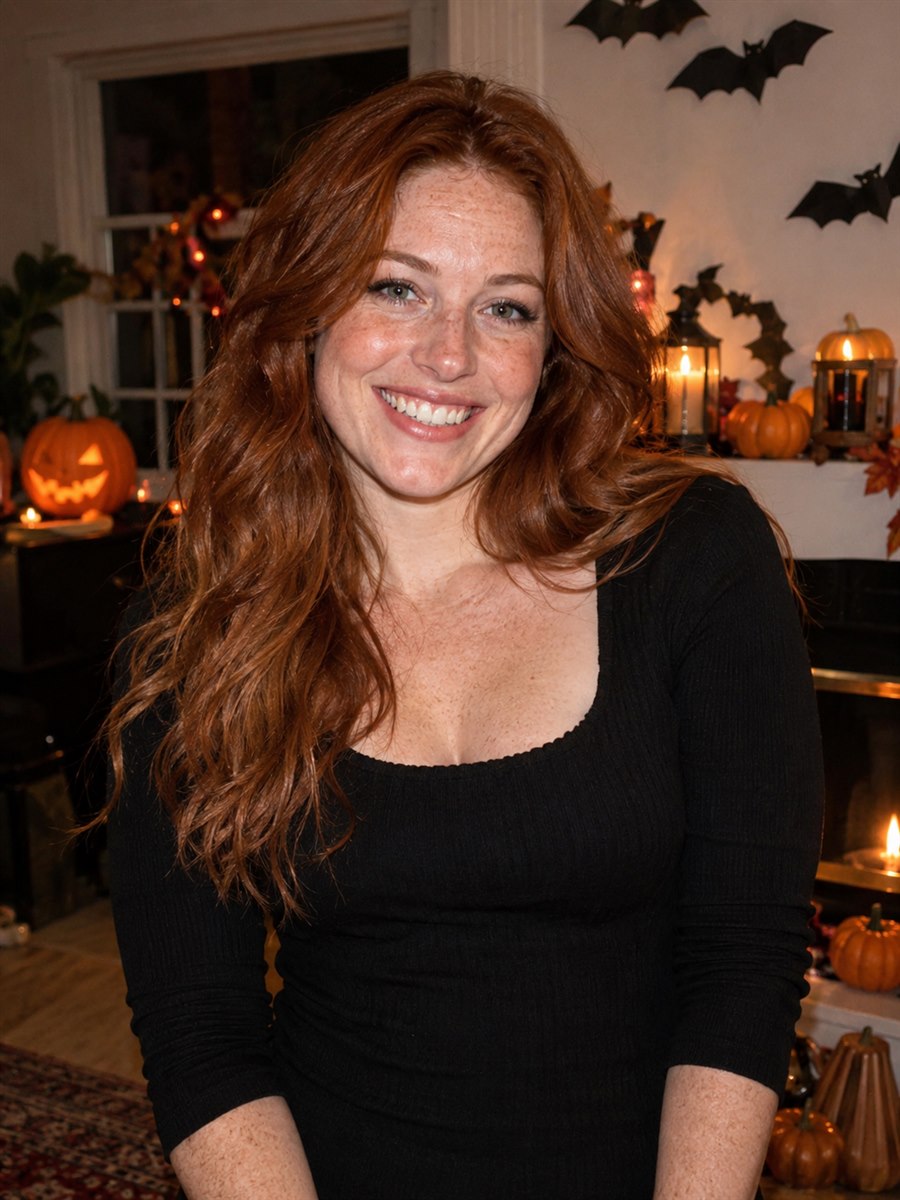


Friends and family who can’t attend don’t have to miss out. Wherever they are, they can still share the experience and add their own moments to your event.
Simply share your event QR code or link with them. During your event, they can view the shared photos and messages, use the photo booth and leave a guestbook message from their own phone.
Joining in is free, whether they’re at the venue or miles away. No app to install: they just open your link or scan your QR code.
Find your event link and QR code →Spooky, not scary. Every Halloween style is playful and family-friendly, so it suits a grown-up costume party and a trick-or-treat gathering alike.
Put your QR code on the invitation, a sign by the cauldron or the front door. The booth opens straight in the browser.
Guests snap a selfie in costume, or upload a photo from earlier in the night.
Friendly Vampires, Pumpkin Patch, Witches & Wizards and more.
The original appears on the live display straight away, and the spooky edit follows moments later.
Each event comes with photo styles designed for the occasion, such as:
Examples are illustrative. Every creative edit is made from the photo your guest takes.
See more Halloween photo booth ideas for lighting, costume portraits and a booth guests can use from their phones.
Guests type a message or draw one with a finger, from bats and pumpkins to the best costume of the night.
Run the live display on a TV or projector, showing the shared board or a full-screen view of each new arrival.
After the party, we’ll email you a link to download every photo, creative edit and message.
Your event photos and messages stay saved for a period of time after the event. (see our privacy policy to learn more about how your data is used). We will send you a link when your event is complete to download your images.
Get started with MomentBoard ↗