The photo booth
Guests snap a selfie or upload a favourite photo, then choose a world to step into. The original appears on the display straight away, and the creative edit follows moments later.
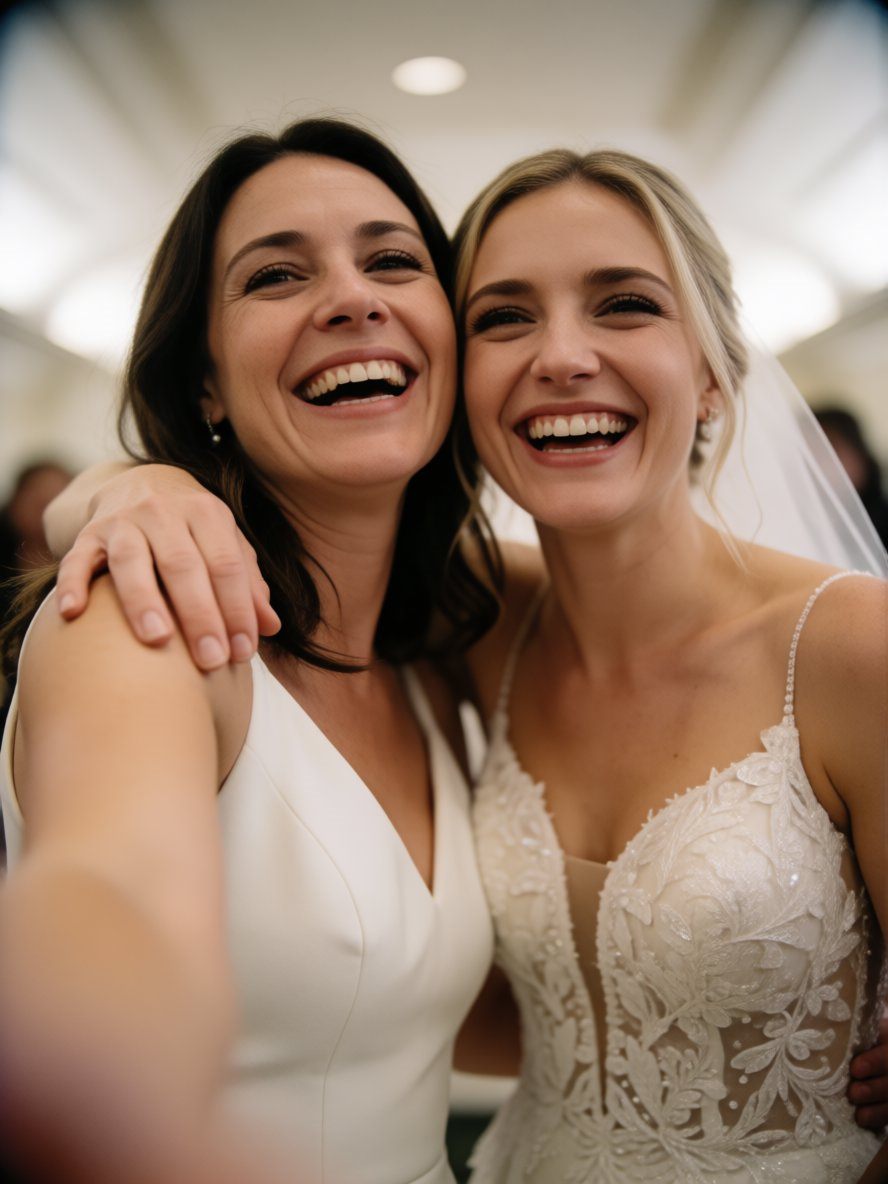
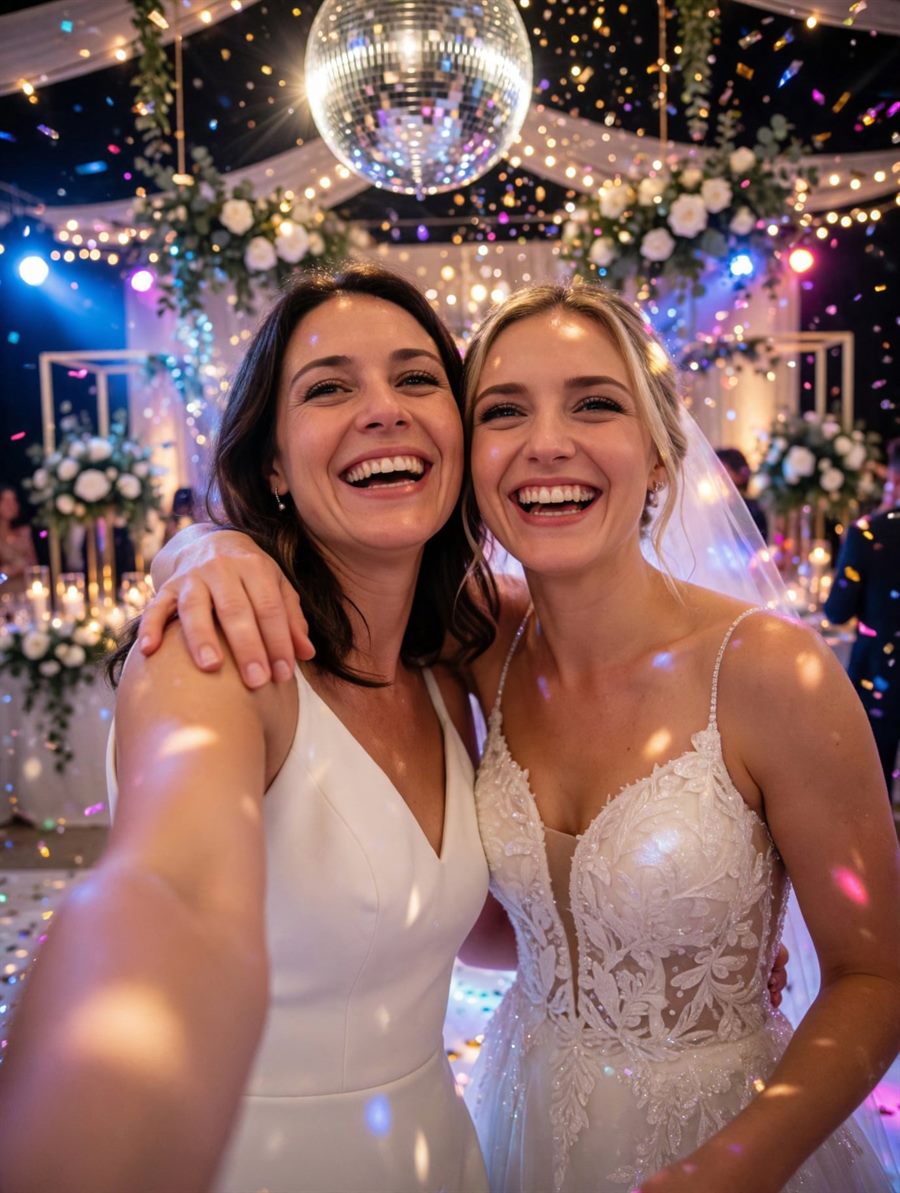
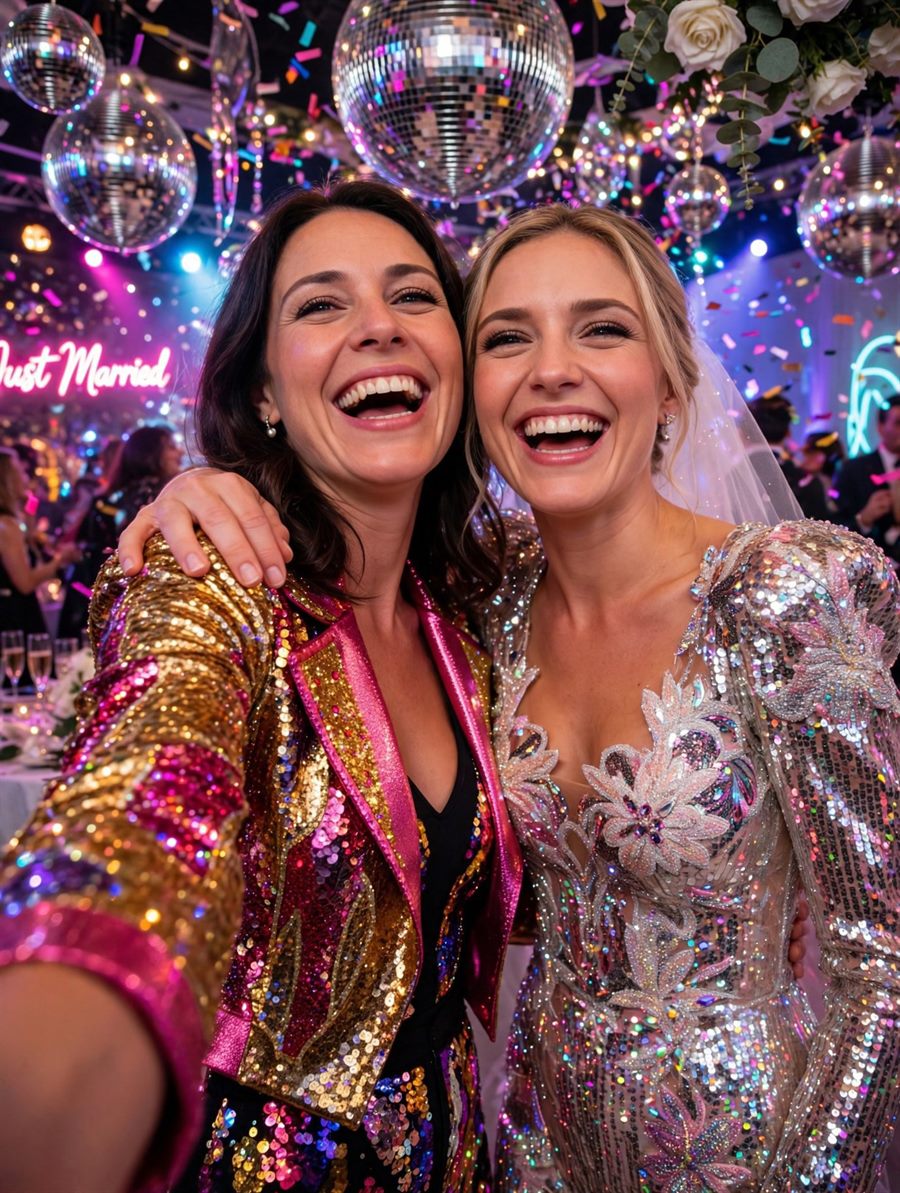
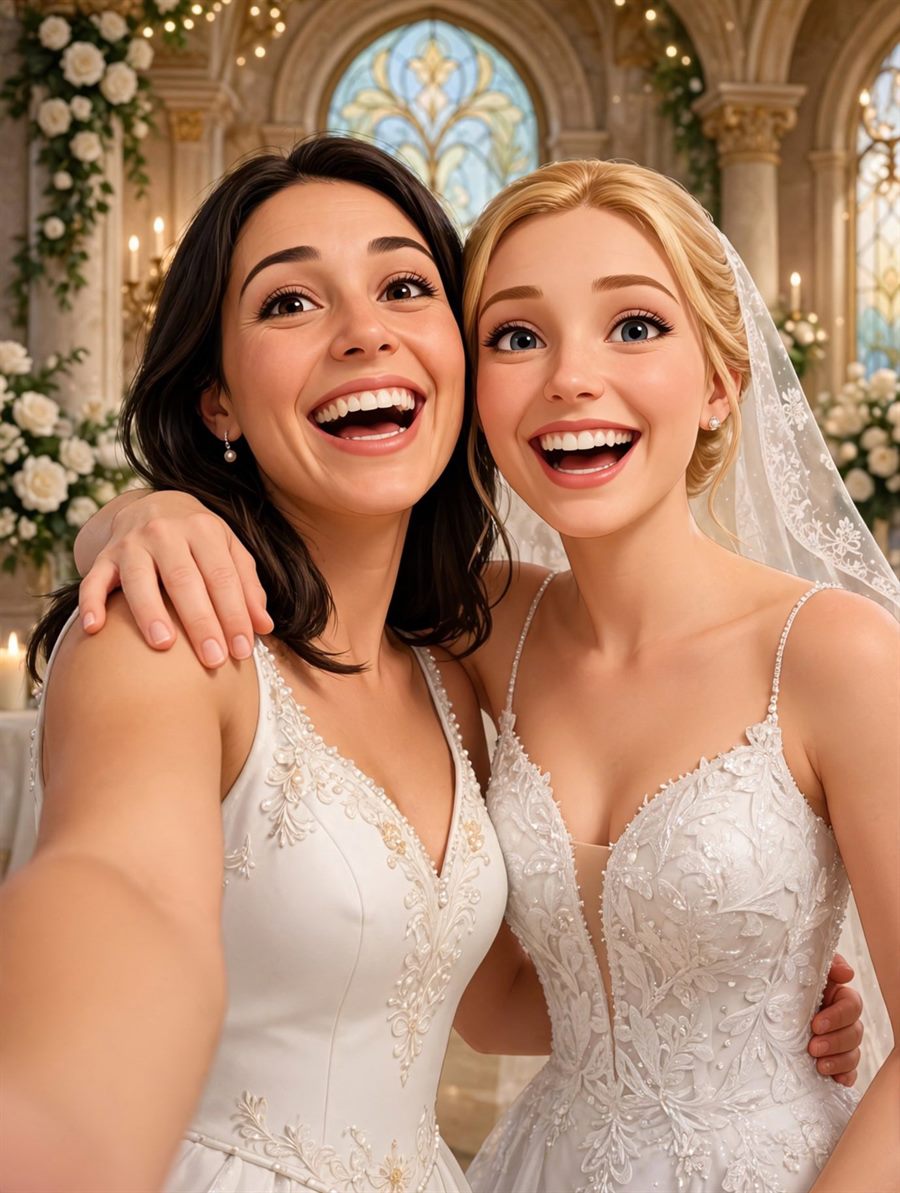
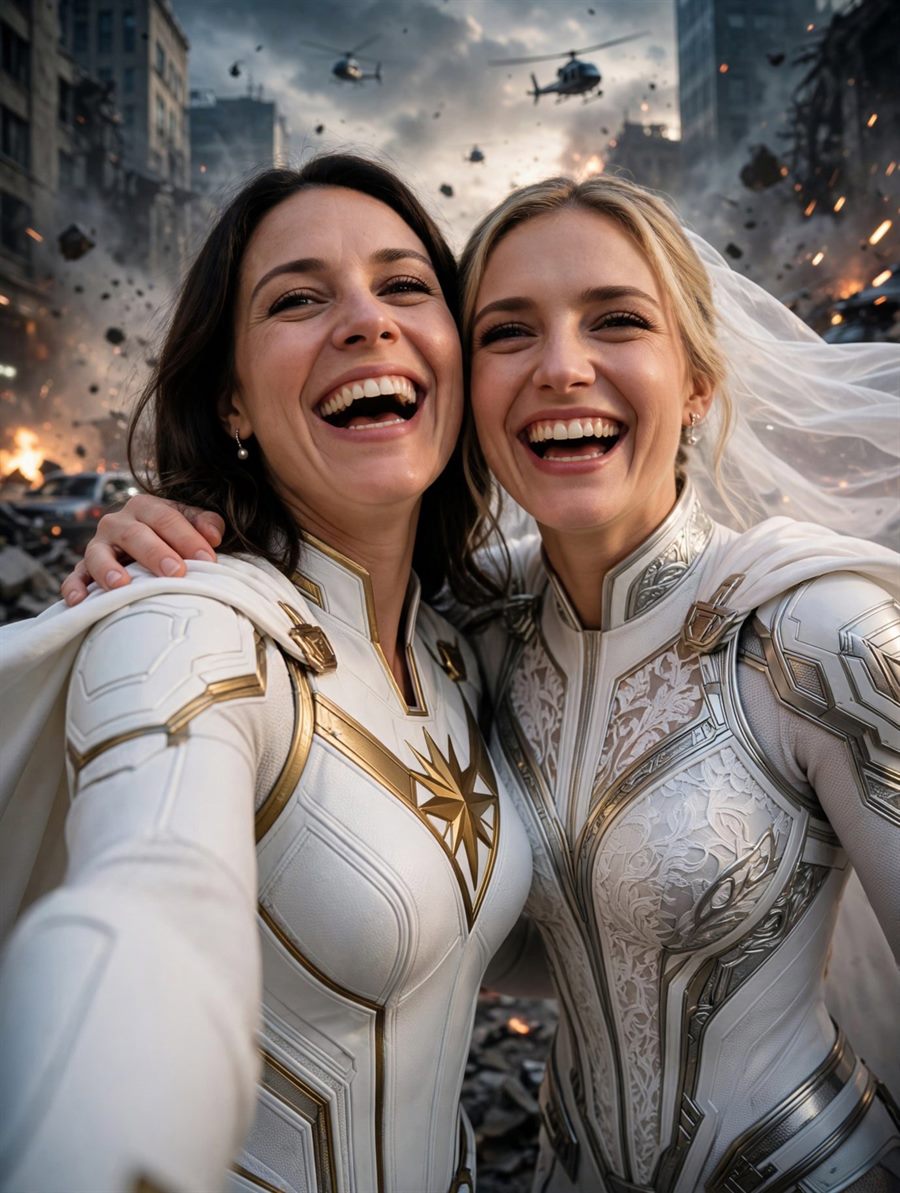
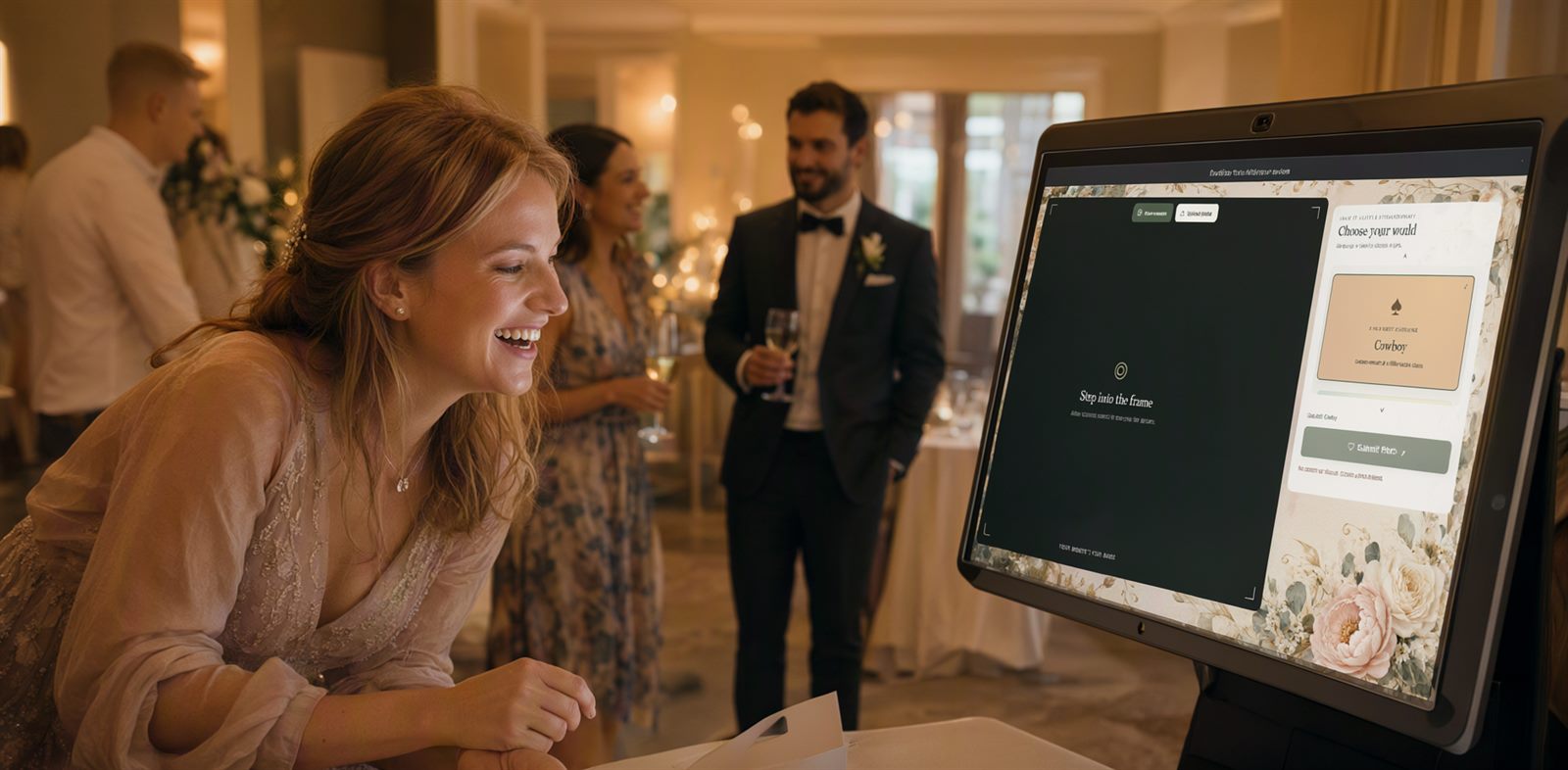
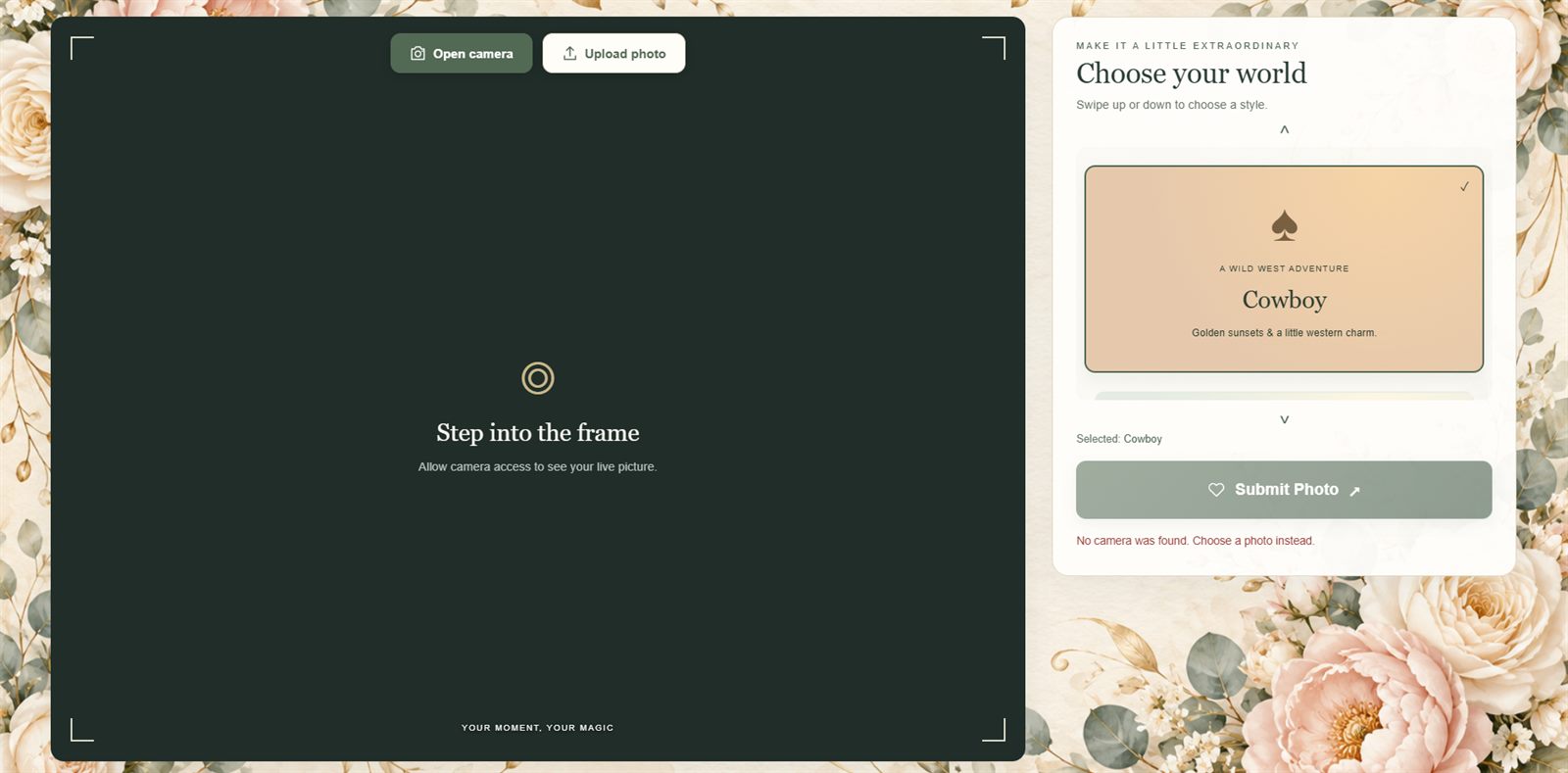
A guest choosing a style at the photo booth
Four simple steps take you from booking to a full collection of photos and messages from your guests. No apps, no equipment to hire and nothing for guests to install.
Choose your occasion, your guest count and how many hours you’d like MomentBoard to run, from an afternoon party to a whole weekend. Your price updates as you type.
Sign in to My event with your email and code. Add the name guests will see, a welcome message, your start time and the headings for the big screen.
Guests scan your QR code or type in your code on their phone, or on a tablet you set up at the venue. Your code opens when your event starts and closes when it ends.
Guests snap a selfie or upload a favourite photo, then choose a world to step into. The original appears on the display straight away, and the creative edit follows moments later.
A guest choosing a style at the photo booth
Kind words, in-jokes and wonderfully wonky drawings. Guests can type a message or draw one with a finger or stylus, then send it with love.
“Wonderful time! Thank you for having us.”A message from your guests
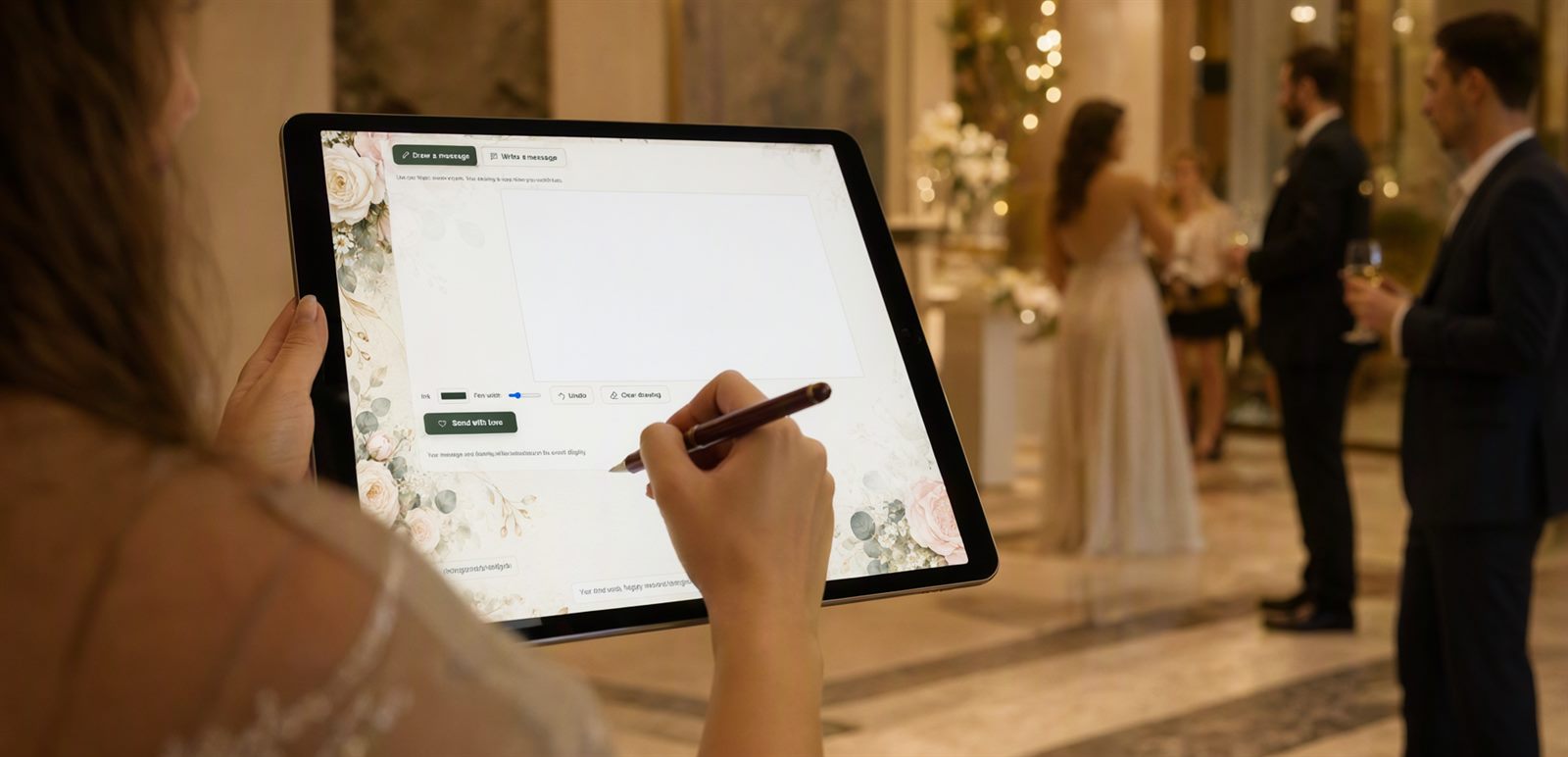
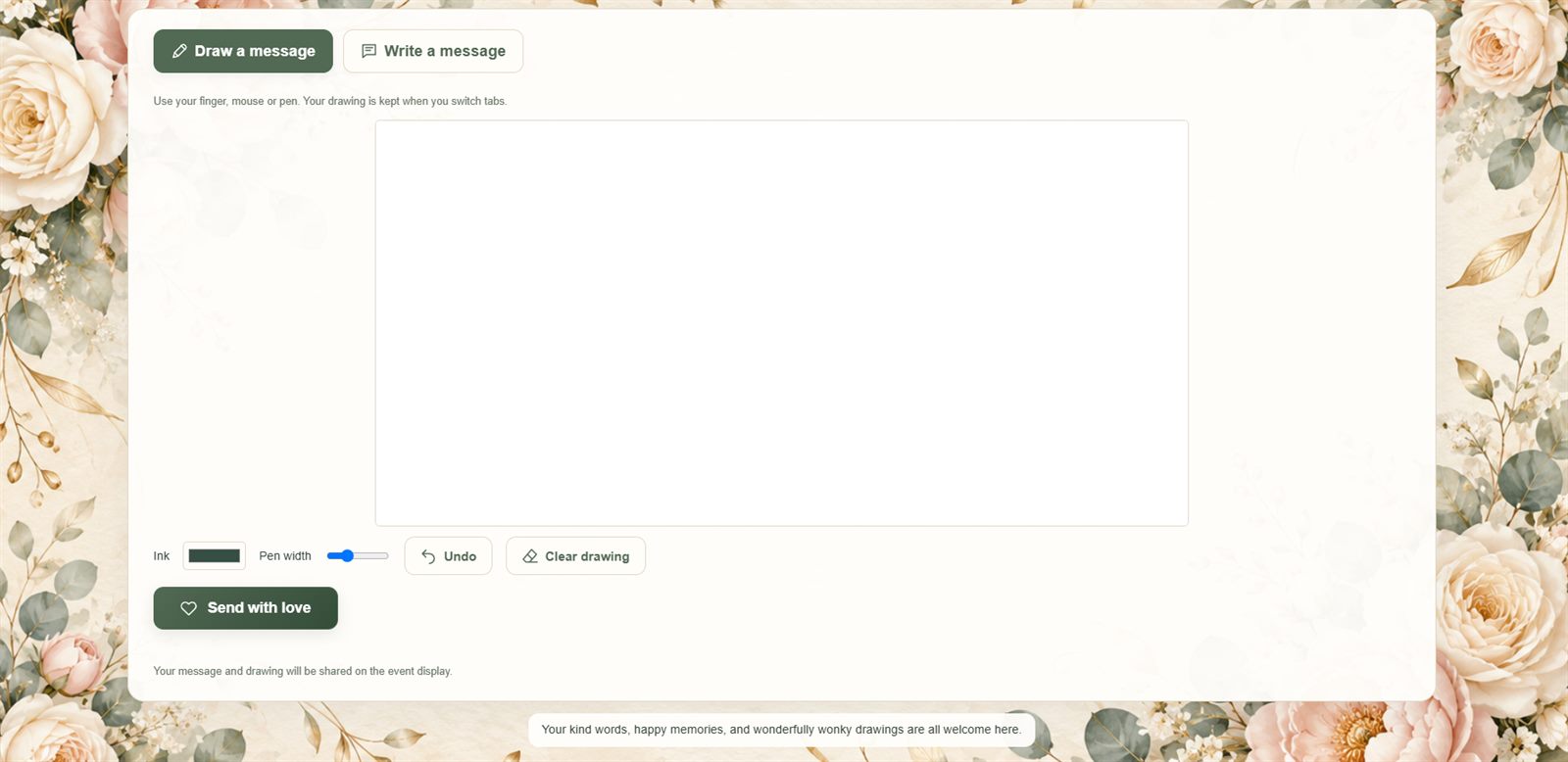
Drawing a message on a tablet
Open the live display on a TV or projector. Every photo and message appears as it arrives, so the whole room can watch the memories pile up.
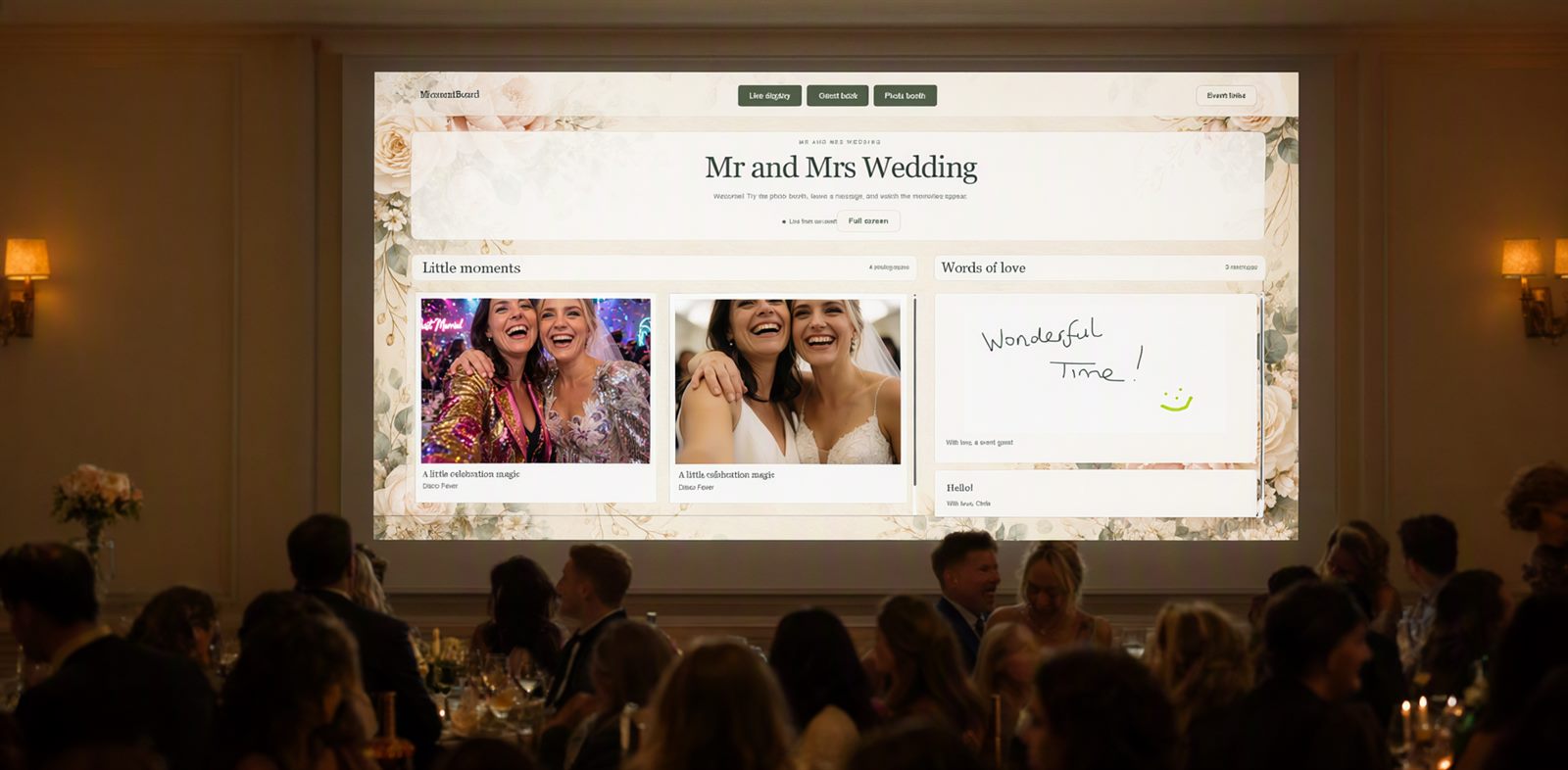
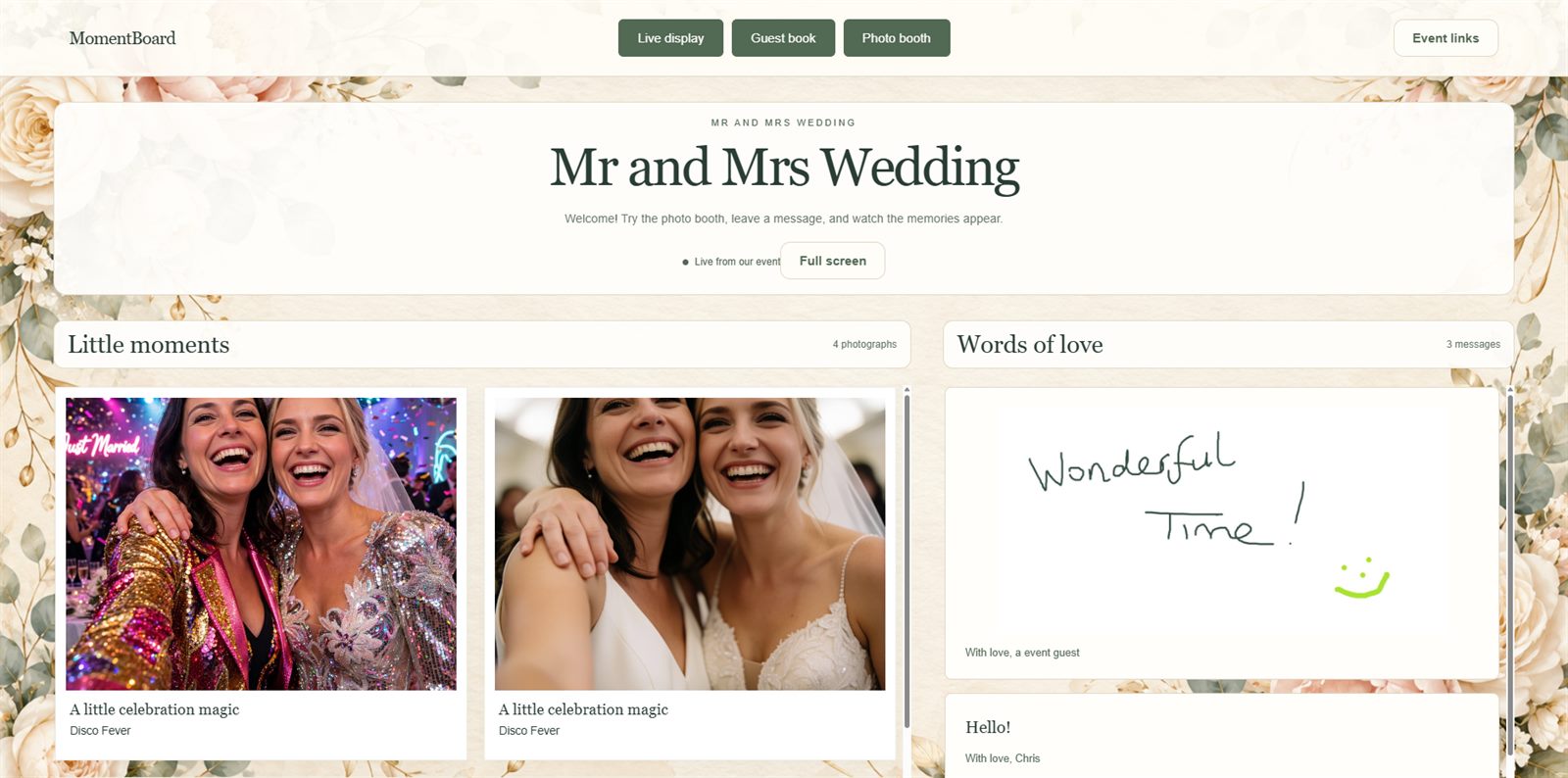
Projected at a wedding reception
When your event finishes, your code closes and everything your guests shared is saved for you. We’ll email you a link to download every photo, creative edit and message.
It takes a couple of minutes to price your event, and your guests can join the moment it begins.